
FASHION + DIGITAL
GLOW
FASHIONABLE WEARABLE
DEVICE
WEARABLE
MY ROLE
DESIGNED WIREFRAME & INFORMATION ARCHITECT
INTERACTION DESIGN
DEFINED VISUAL THEME
TEAM
SAMSUNG FASHION DIVISION
INDUSTRIAL DESIGNERS
S/W & H/W DEVELOPERS
OVERVIEW
Collaboration with Samsung Fashion Division

X

We collaborated with Samsung Fashion division to make a fashionable accessory. There were many digital accessories and smart watches in the market but they were more close to "digital" with full set of features. We thought it was an opportunity to make fashionable jewelry with essential digital features, targeting millennials.
Our goal was making fashionable accessory that really looks like a real jewelry not a smart device.

RESEARCH ACTIVITIES
From the research, we got quantitative user data about how people use the wearables and what features they use most.
Also we visited many places and retails shops and we did ideation about what could be new features and what points we can approach differently as a fashion accessory.


KEY FEATURES OF GLOW
Here are four key features of Glow. UX team and industrial design team collaborated deeply from the beginning and we made product spec and UX features together.

Presenting
Yourself
Change the color of the light. As an accessory, users can choose colors and pattern by occasion or mood.

Any style
You want
Not just worn on your wrist. Wearing Glow in different ways and users have more options to wear.
Rich
Notification
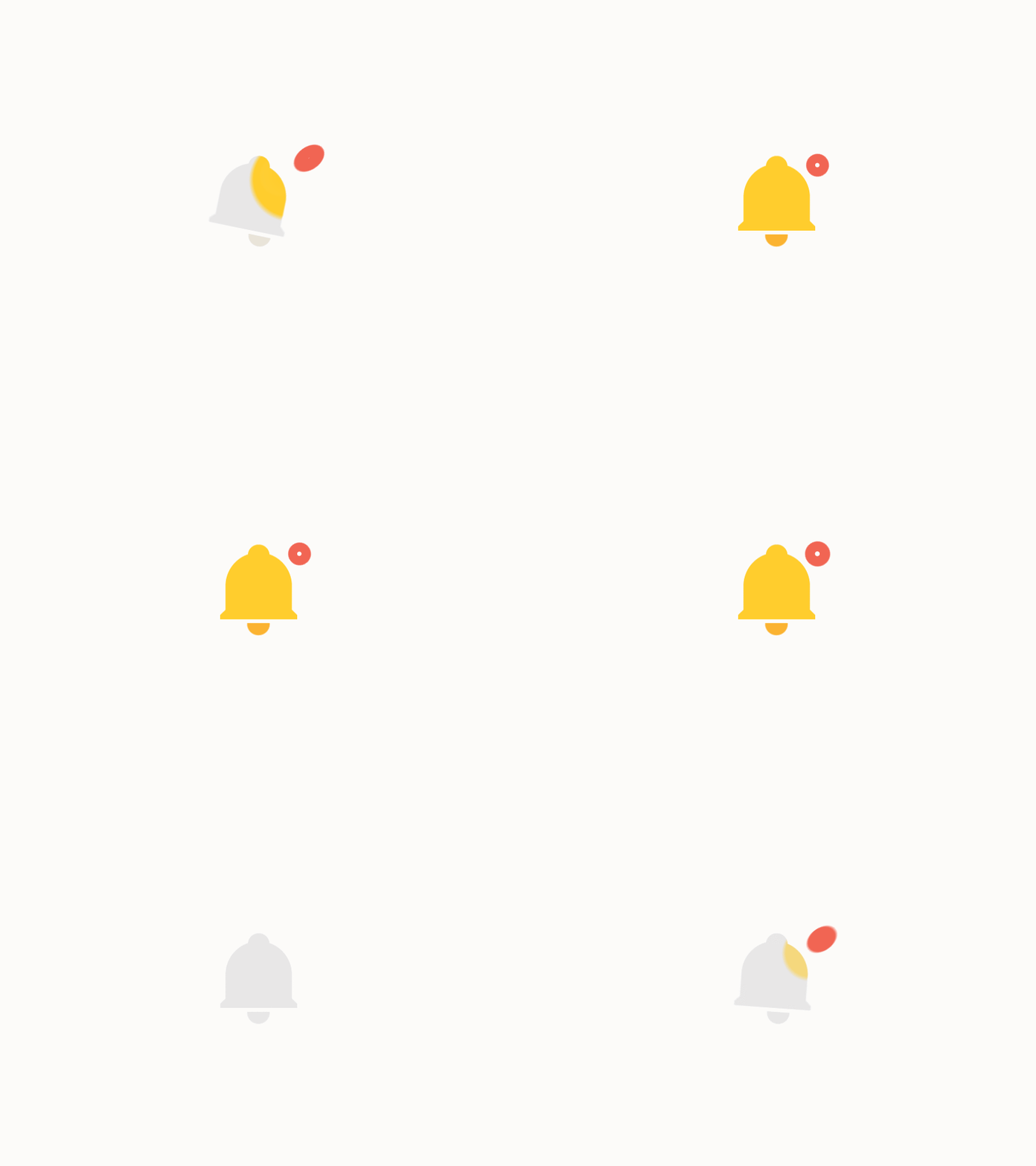
combined light + light patterns + vibration for better notification and not to miss important alerts.

Simply
One button
With physical button, access easier and control fast. Three features provided; taking pictures & video, music control, mute.
DESIGN & PROTOTYPING
1. WIREFRAMES GLOW APPLICATION
We designed Glow application and led animation patterns for notification feature. We tested LED lights and patterns with mock-ups to find the best way to use light patterns as notifications.
Connect to the device

Key screens

2. LED ANIMATION PATTERN
We wanted to see what kind of colors and patterns can be meaningful as a notification or alert. We tested LED lights and patterns with mock-ups to find the best way to use light patterns as notifications.

FINAL DESIGN
GLOW


GLOW APPLICATION


Change colors and patterns

Sync with your favorites in Contacts.

Matched notification color with app's theme color

Alert air quality with color+pattern

Sync with Samsung Health app and tells how activate you are

Customize button feature as you want
DESIGN CONFERENCE
We made a little retail shop on the conference room as if they come and shop our product. We showed the UX concepts first and demonstrated the main feature with a glow I was wearing.

UX CONCEPT VIDEO
Learning
I learned that wearable can be tricky since it’s working itself yet they need mother-device or application that you can setup and see results so it’s dependent.
Thus, there are many tradeoffs when you design UX and defining features.
More features means more sensors and motors and more money and bigger device which isn’t ideal.
We also approached differently for charging experience. As a fashion item, we made a jewelry case instead of charging station that user can just feel they put their accessory in the box.
Last, we discussed how glow go further in the next version. If you want to put all the features in one accessory, then it easily become unattractive.